
Algo 8450 IP Console, Gooseneck Mic Option
- 10.1″ touchscreen with customizable screens and button layouts
- Gooseneck microphone for live voice announcements
- Backlit Action Button configurable for push-to-talk or emergency triggers
- Full-color HD graphics for enhanced visibility and user experience
- SIP-compliant, PoE/PoE+ powered, multicast capable, with API support
- Flexible mounting: desk, wall, or rack installation
- Configurable workflows with password protection and confirmation prompts
- Support for five user access levels with passcode control.

- For large projects or quantity orders, please email us for Project Pricing.
- We also provide pre-shipment programming, installation & remote support services, please email us for a Quote.

Description
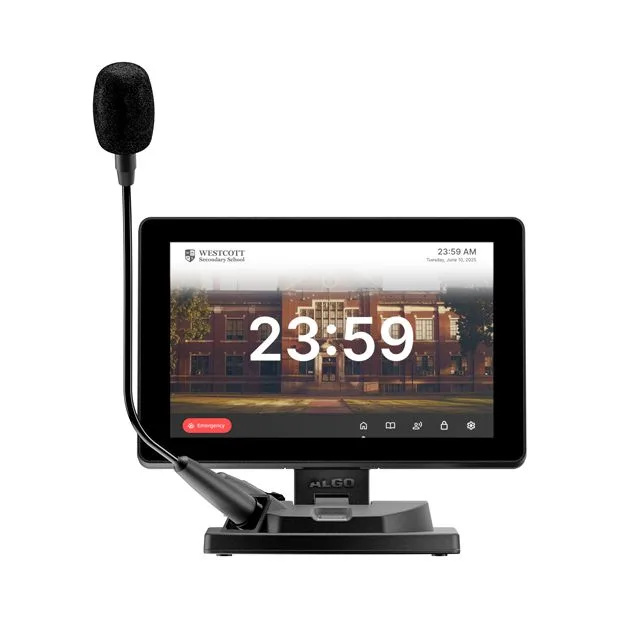
Algo 8450 IP Console optimizes communication and control for facilities that require flexible and reliable paging and emergency alerting. With a customizable 10.1″ touchscreen interface, this input device allows users to easily broadcast live or pre-recorded messages and initiate emergency alerts.
The 8450 features a goose-neck microphone, customizable buttons, a tactile backlit action button, and integrates with IP-based paging systems using SIP, multicast, and RESTful API. Desk, wall, or rack-mountable, this intuitive console is designed to adapt to the diverse needs of any IP paging environment.
Algo 8450 IP Console Features:
- 10.1″ touchscreen with customizable screens and button layouts
- Gooseneck microphone for live voice announcements
- Backlit Action Button configurable for push-to-talk or emergency triggers
- Full-color HD graphics for enhanced visibility and user experience
- SIP-compliant, PoE/PoE+ powered, multicast capable, with API support
- Flexible mounting: desk, wall, or rack installation
- Configurable workflows with password protection and confirmation prompts
- Support for five user access levels with passcode control
Algo 8450 IP Console Overview
Algo 8450 was designed with flexibility and customization at its core, for the various communication needs of education, healthcare, and other facilities that require dependable paging systems.
This input device features a 10.1″ adjustable LCD touchscreen with a highly configurable interface to activate paging or emergency alerts.
Daily announcements can be made using the goose-neck microphone, while customizable touchscreen buttons provide quick access to pre-recorded messages, zone-based paging, and alert activation. The backlit action button offers further control with configurable options like push-to-talk, screen activation, or screen lock.
With native support for SIP, multicast, and API commands, the 8450 integrates seamlessly into virtually any communication system. Even if the phone system goes down, the console’s built-in multicast functionality ensures reliable paging redundancy, as long as the network remains online. Configurable through a web interface and designed to mount to a desk, wall, or rack, the 8450 is built to adapt to any IP paging environment.
Tailor the Algo 8450 IP Console For Your Environment
Algo 8450 IP Console offers a high degree of customization through its web-based interface. Users can adjust visual elements such as themes, backgrounds, button colors, and clock placement to match branding or meet accessibility requirements, including ADA compliance.
The Paging Screen
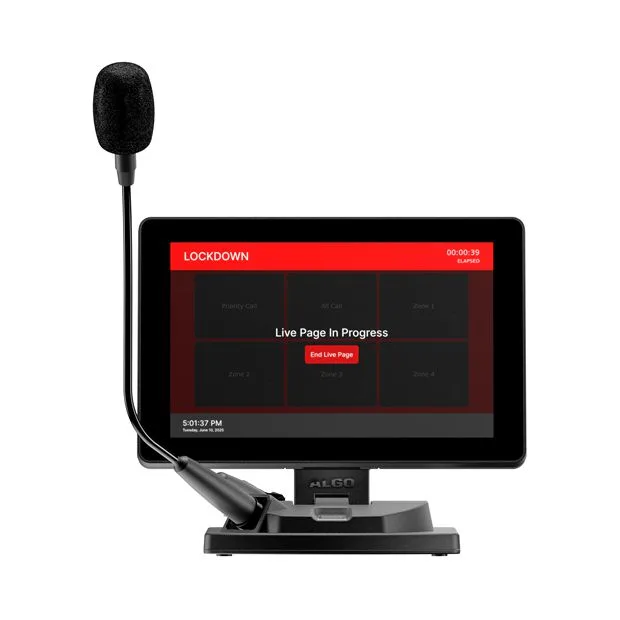
The Paging screen enables users to broadcast live announcements to specific zones—such as classrooms, departments, or building sections—ensuring clear, targeted communication. For added flexibility, a Delayed Paging feature allows users to record a message and automatically broadcast it immediately after recording.

For more advanced integrations, the 8450 can also send API requests upon initiating or ending an action. This is particularly useful for triggering tones, strobes, or screens.
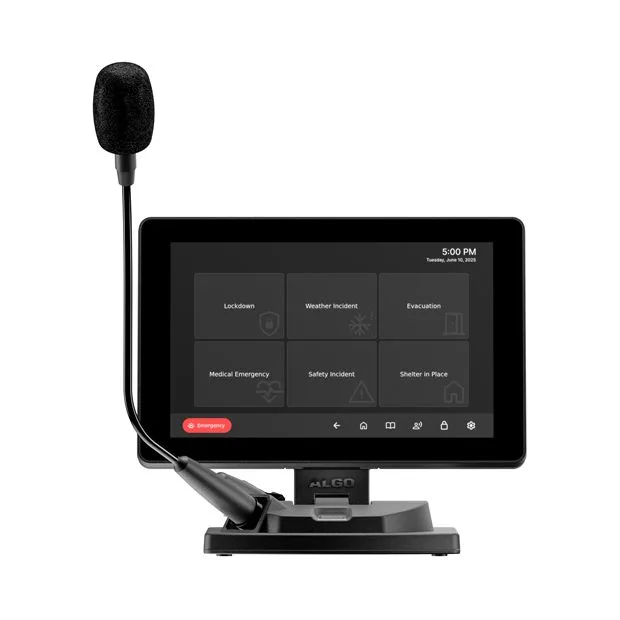
The Emergency Screen
The Emergency screen allows users to quickly activate pre-recorded announcements for urgent situations, such as lockdowns or medical alerts. These buttons come pre-configured but can be fully customized to suit the unique needs of each environment. For example, creating a specific “Code Blue” alert for a hospital.

Algo 8450 IP Console The Directory Screen
In addition, the Directory screen provides a searchable, scrollable list of zones and extensions, offering an alternative interface for paging. Whether you use the Paging screen for quick button access or the Directory screen to scroll through zones, both views serve the same purpose; it’s just about what works best for your needs.

Whether you’re managing daily announcements in schools, responding to medical emergencies in healthcare facilities, or streamlining communication across office and industrial sites, the Algo 8450 IP Console is designed to deliver the speed, control, and reliability that organizations need to meet their paging and emergency alerting needs.
Algo 8450 IP Console Datasheet
Accessories
Downloads
Related products and Accessories
-
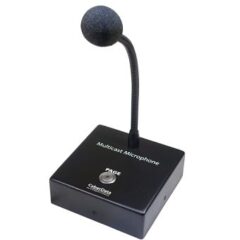
Cyberdata 011446 Multicast VoIP Microphone
The CyberData Multicast Microphone is a device that allows the user, while press -
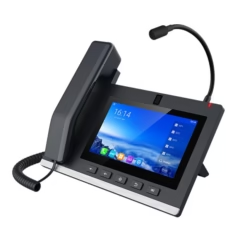
Fanvil A308i Android Console with Gooseneck Mic.
20 SIP lines, 10-party audio conference, 3-party video conference Equipped wi -
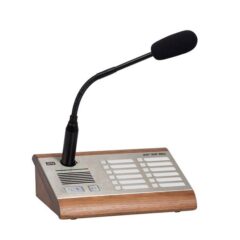
AX914431E Axis SIP Microphone Console
SIP based Microphone Console for paging and 2 way communication Server-less -
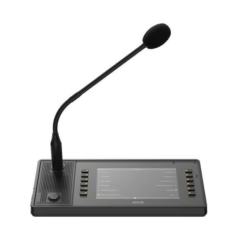
AXIS C6110 Network Paging Console, PoE
Flexible, customizable paging solution Enables live and prerecorded callout -
Terracom PPM-IT5 IP Paging Console
5″ TFT LCD full colour touch panel Zone selection, paging and control Et -

Fanvil X210i SIP PA Mic Console with Colour LCD screens
SIP Microphone console with colour LCD screen for Paging and PA applications -

Fanvil A32i Paging Microphone Console
· Android 9.0 OS · 20 SIP Lines · Gooseneck Microphone · 10.1-inch
Related products
-

Algo 8190S SIP Speaker, Clock & Visual Alerter
Public address (PA) IP speaker. Secure SIP using TLS and SRTP. Multicast s -

Terra-K , IP Paging Microphone
High quality gooseneck microphone and built-in loudspeaker (2.5W) Web browser -
Algo 8188 SIP Ceiling Speaker
PoE Wideband IP Ceiling Speaker for Voice Paging, Notification Alerting & Pl -

Bodet Harmonys 8 Zone Microphone
• 8-zone microphone console to broadcast live or delayed messages: keypad with -
Algo 8180 SIP Audio Alerter, Ringer
Loud Telephone Ringer / Alerter - IP PoE Speaker for noisy areas In noisy facto